Simple Machines Forum (SMF) is an open-source forum application. It is amongst the most used forums on the internet due to its ease of use, professional-grade software, and support for full customization with plugins, themes, and settings.
To install SMF through cPanel or Direct Admin, you will have to do the following:
1.) Log in to cPanel
2.) Locate and click on the Softaculous application icon

3.) Within the Softaculous Application page, navigate to Forums > SMF
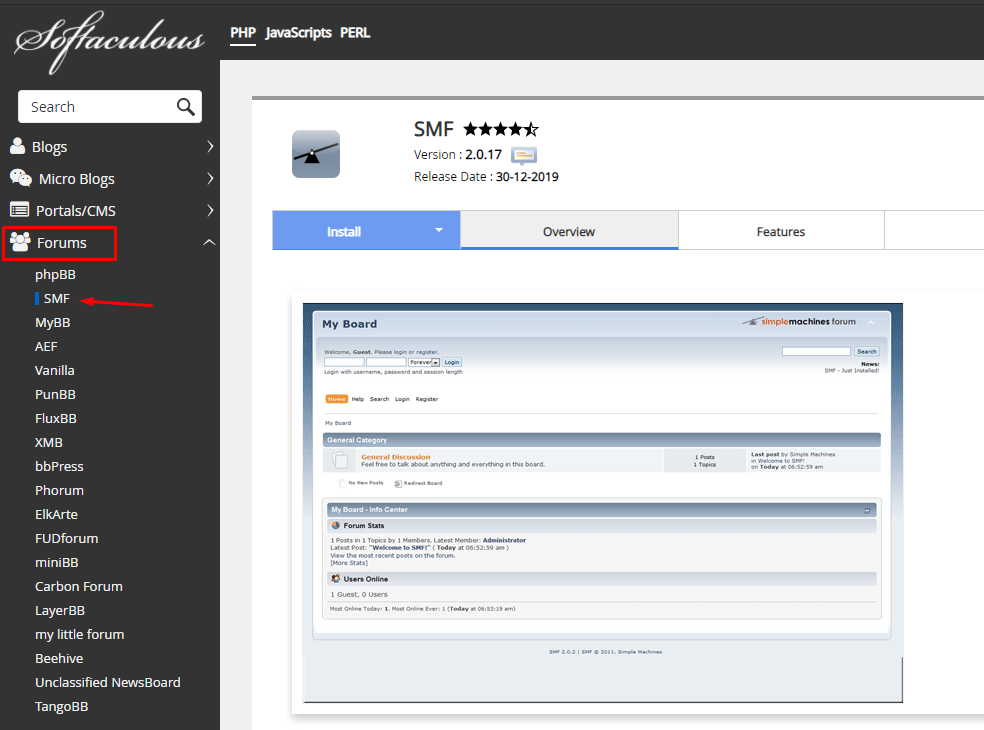
4.) Click on the blue "Install" button and proceed to the next step.
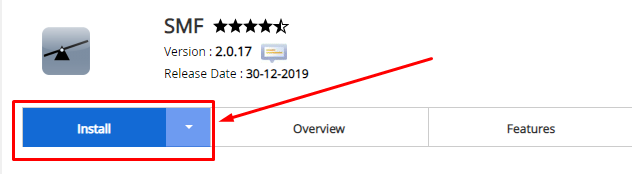
5.) Fill in SMF's Required Installation Fields
Software Setup
- Choose Installation URL - Installation URL for your SMF installation. Can either be installed on your root domain or in a folder.
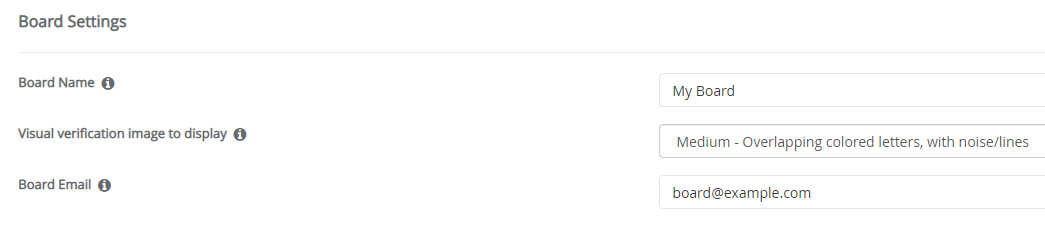
Board Settings
- Board Name - The name of your forum or board. Can be changed later on.
- Visual verification image to display - Captcha setting for the forum. Helps reduce bots from spamming your forum, we recommend keeping this setting on Medium.
- Board Email - The primary email address that SMF will use to send out notifications regarding your forum.
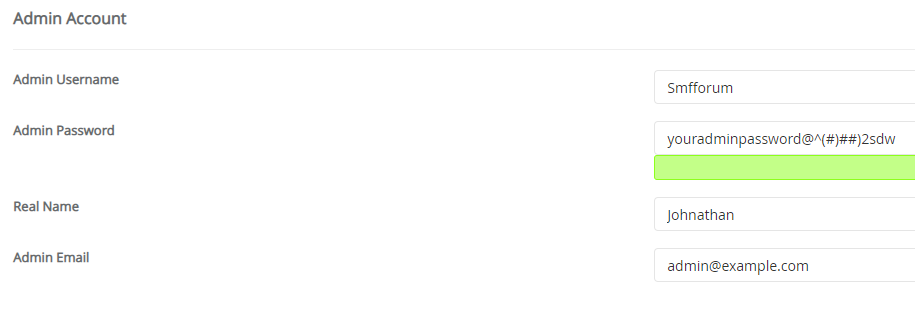
Admin Account
- Admin Username - Username for your SMF Administrator account. Be sure to make it something easy to remember. We recommend not setting this as the default value (Admin, Administrator, etc), choose something more unique for added security.
- Admin Password - Password for your SMF Administrator account. Be sure to make it alphanumerical and a password that you can remember as you will need it to manage and administer your forum.
- Real Name - Your forum accounts display name. Do not set this as the same value as your Username, as this name will be made public.
- Admin Email - Administrator's primary email address.
Choose Language
- Select Language - The default language of your Simple Machines Forum. You can choose between 20+ options including English, Turkish, Russian, German, and more.
6.) Once you have filled in the required fields, enter your email address in the "Email installation details to" field and click on the "Install" button.
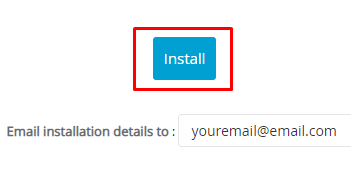
Your SMF installation will now begin to install, it usually takes about 2-3 minutes for it to fully install. Once fully installed, you will receive the installation details in the email address you entered in step 6.) which will include login URLs and administrator information.
The email will look similar to the following:
Path : /home/smf/public_html/smf
  URL : http:/smf.example.com/smf
  Admin URL : http://smf.example.com/smf/index.php?action=admin
  Admin Username : yoursmfusername
  Admin Password : ********
  Admin Email: [email protected]
  MySQL Database : smf_smf22
  MySQL DB User : smf_smf22
  MySQL DB Host : localhost
  MySQL DB Password : ********
  Update Notification : Enabled
  Auto Upgrade : Disabled
  Automated Backups : Disabled
|
7.) To log in to your SMF Forum as an administrator simply add /index.php?action=admin prefix after the installation URL.
So if you installed SMF on the domain example.com/forum, your admin login page will be located at example.com/forum/index.php?action=admin
.png)
 (1).jpg)
 (1) (1).png)
 (1).png)
.jpg)
.jpg)

 (1).jpg)
.jpg)
